
Solana Token Creation: Beginner’s Complete Guide
Learn Solana token creation from SPL basics to supply, decimals, Mint Authority, metadata, launch planning, and no-code tools for beginners.

Solsmint
Author
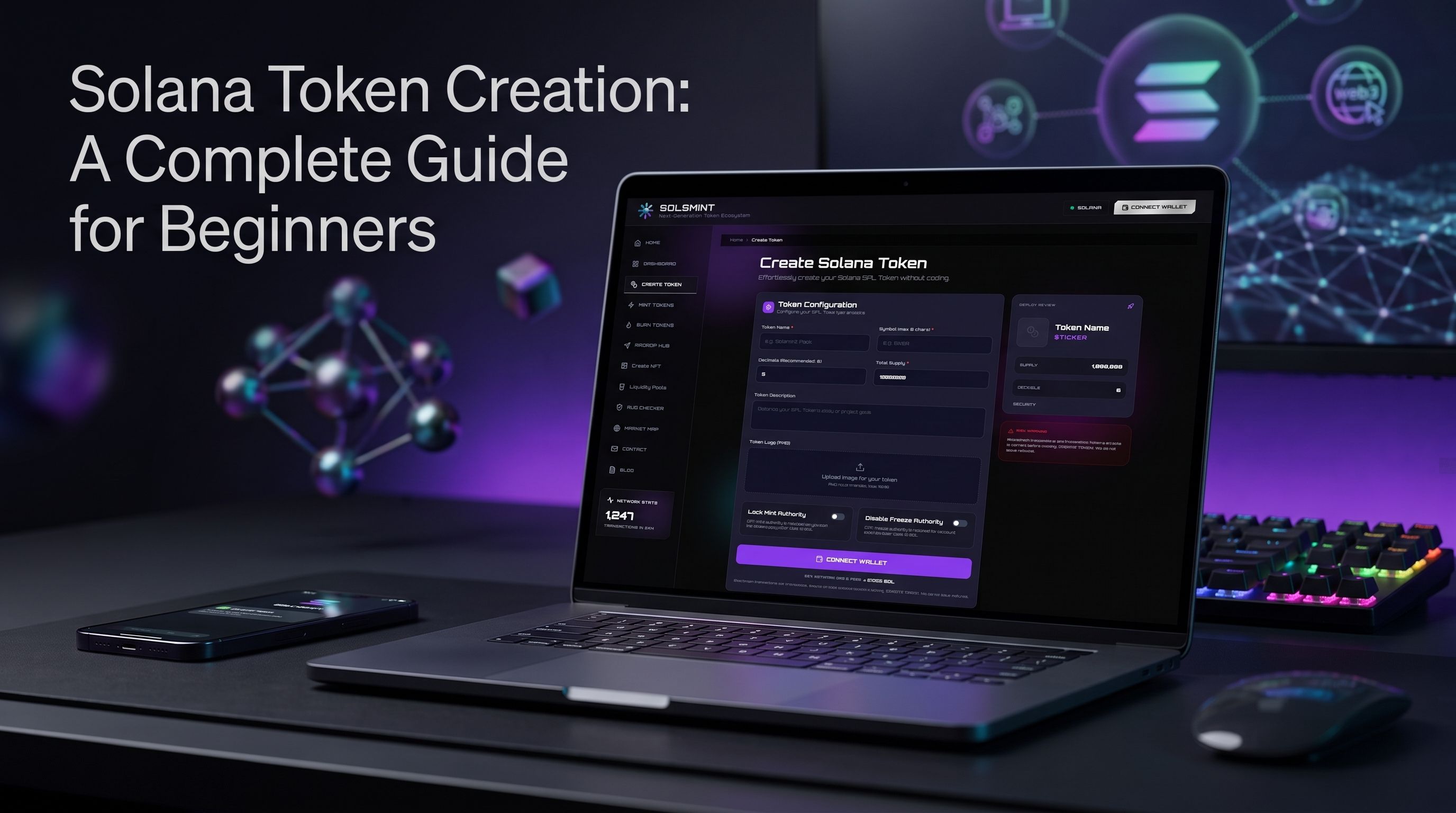
Creating a token on Solana is more accessible than many beginners expect. You can build an SPL token by configuring a token mint, choosing the supply and decimals, reviewing authority settings, adding metadata, and submitting an on-chain transaction.
You can create a Solana token manually with developer tools or use a no-code Solana token creator such as Solsmint. The right approach depends on how much control you need, your technical experience, and whether you want to manage the token after deployment.
This guide explains how Solana tokens work, what to decide before creating one, how token supply and authorities affect your project, and how a no-code workflow can simplify Solana token creation.
Disclaimer: This article is for educational purposes only. It is not financial, investment, legal, or technical advice. Creating a token does not guarantee demand, liquidity, adoption, or value. Always verify transaction details and conduct your own research.
What Is a Solana Token?
A Solana token is a digital asset created on the Solana blockchain. Most fungible Solana tokens use the SPL Token standard, while NFTs and other assets can use related Solana token programs.
A Solana token is defined by a mint account. The mint stores important information such as:
-
Token decimals.
-
Current supply.
-
Mint Authority.
-
Freeze Authority.
-
Token-program configuration.
Individual holders do not usually hold balances directly in the mint account. Instead, each holder uses a token account associated with the specific mint and wallet address.
What is an SPL token?
SPL stands for Solana Program Library. In everyday usage, an SPL token is a token created using Solana’s token infrastructure.
SPL tokens can represent:
-
Community currencies.
-
Utility tokens.
-
Governance assets.
-
Reward points.
-
Gaming assets.
-
Memecoins.
-
NFT-related assets.
-
Project or application tokens.
The term SPL token creation usually refers to creating and configuring the token mint, then minting an initial supply to one or more token accounts.
How Solana Tokens Work
A Solana token uses several connected components.
Token mint
The mint account defines the token itself. It stores the token’s decimals, supply, and authority settings.
Token account
A token account records how many units of a specific token a wallet owns. A wallet can have separate token accounts for different mints.
Associated Token Account
An Associated Token Account, or ATA, is a standard token account linked to a wallet and a specific mint. It gives applications a predictable way to locate a holder’s balance.
Token program
The Token Program processes instructions such as:
-
Creating a mint.
-
Creating token accounts.
-
Minting tokens.
-
Transferring tokens.
-
Burning tokens.
-
Freezing accounts.
-
Thawing accounts.
-
Changing authorities.
Solana also supports Token-2022, which adds extensions for specific use cases. The appropriate token program depends on the features and compatibility your project requires.
Why Solana Token Creation Matters
Solana token creation matters because the network provides a high-throughput environment for applications that need frequent transactions and low-cost user interactions.
A token can help a project coordinate:
-
Community participation.
-
Access to digital products.
-
Rewards and incentives.
-
Governance.
-
In-game economies.
-
Membership systems.
-
NFT ecosystems.
-
DeFi applications.
However, creating a token is only a technical step. A token does not automatically create utility, community demand, or a sustainable project.
Before deployment, answer three basic questions:
-
What does the token do?
-
Who is expected to use it?
-
Why does it need to exist on Solana?
If the answers are unclear, the token design probably needs more work.
Important Token Settings
The most important decisions in Solana token creation involve supply, decimals, and authorities.
Token name
The token name is the full human-readable name, such as “Creator Community Token.”
Choose a name that is:
-
Distinctive.
-
Easy to understand.
-
Consistent with your project.
-
Unlikely to be confused with another token.
Token symbol
The symbol is the short identifier displayed by wallets and explorers. It is often three to six characters, although formats can vary.
Avoid copying an existing project’s symbol. Confusion can lead users to interact with the wrong mint address.
Token supply
The supply is the number of token units created or intended for circulation.
You should decide whether your project needs:
-
A fixed initial supply.
-
Additional minting over time.
-
A burn mechanism.
-
A treasury allocation.
-
A community allocation.
-
An airdrop allocation.
-
A liquidity allocation.
Supply alone does not determine value. What matters is how the supply is controlled, distributed, and explained.
Token decimals
Decimals define how divisible each token unit is.
For example, a token with six decimals can represent fractions down to 0.0000010.000001 token units. A token with zero decimals can only use whole units, which may be appropriate for some NFTs or collectible-style assets.
Decimals are a technical setting, not a measure of quality. Choose them based on how the token will be used and how applications need to display balances.
Mint Authority Explained
The Mint Authority is the address authorized to create new units of a Solana token.
If the Mint Authority remains active:
-
New tokens can be minted later.
-
The total supply can increase.
-
The authority holder must be trusted or transparently controlled.
-
Users should understand the potential supply expansion.
If the Mint Authority is removed, no new tokens can be minted through that authority. Solana’s documentation describes minting as an operation that increases a mint’s total supply, and only the Mint Authority can perform it.
Fixed supply vs. mintable supply
A fixed-supply token may be easier for users to understand because the maximum supply cannot increase through the original Mint Authority.
A mintable token can be useful when a project needs:
-
Ongoing rewards.
-
Seasonal distributions.
-
Growing user incentives.
-
In-game issuance.
-
Flexible treasury management.
Neither model is automatically better. The decision depends on the project’s purpose and transparency.
Freeze Authority Explained
The Freeze Authority can freeze individual token accounts. A frozen account may be unable to transfer, burn, or change certain token-account settings until it is thawed.
A Freeze Authority may be used for:
-
Compliance workflows.
-
Security response.
-
Recovering from a known incident.
-
Controlled testing.
-
Specific application requirements.
It can also create trust concerns if users do not know that the authority exists.
Before launch, clearly disclose:
-
Whether a Freeze Authority exists.
-
Who controls it.
-
Why it exists.
-
Under what conditions it may be used.
-
Whether it can be revoked.
Do not describe a token as trustless or fully decentralized if an authority can still restrict holder accounts.
Token Metadata
Token metadata adds human-readable information to an otherwise technical token mint.
Metadata may include:
-
Token name.
-
Symbol.
-
Description.
-
Image.
-
Website.
-
Social links.
-
Creator information.
A token can exist without rich metadata, but wallets and applications usually provide a better user experience when the token has recognizable information.
Metadata does not prove legitimacy. A malicious or unrelated token can copy another project’s name, image, or symbol. Users should always verify the token mint address through official channels.
Metadata checklist
Before publishing metadata, check:
-
Spelling of the token name.
-
Correct symbol.
-
Logo dimensions and quality.
-
Official website URL.
-
Social-media links.
-
Project description.
-
Token mint address.
-
Consistency across explorers and wallets.
How to Create a Solana Token
There are two main approaches to Solana token creation.
Developer workflow
Developers can use Solana tools and libraries to:
-
Create a wallet and fund the fee payer.
-
Create a mint account.
-
Configure decimals.
-
Set the Mint Authority.
-
Set or omit the Freeze Authority.
-
Create token accounts.
-
Mint the initial supply.
-
Add metadata.
-
Verify the mint and balances.
-
Manage authorities and distributions.
Solana’s official documentation provides separate instructions for creating mints, creating token accounts, minting tokens, freezing accounts, and changing authorities.
This approach provides control but requires technical knowledge, careful transaction handling, and familiarity with Solana programs.
No-code workflow
A no-code Solana token creator provides a guided interface for users who do not want to write code manually.
A typical flow includes:
-
Connect a compatible Solana wallet.
-
Enter token information.
-
Configure supply and decimals.
-
Review available authority settings.
-
Confirm the transaction.
-
Receive the on-chain token mint.
-
Manage or distribute the token.
No-code does not mean risk-free. Users still need to understand the settings they approve and verify the transaction before signing.
What to Prepare Before a Solana Token Launch
A smooth Solana token launch starts before the creation transaction.
Define the purpose
Write one clear sentence explaining what the token is for. Avoid vague descriptions that rely only on hype.
Plan the supply
Document:
-
Initial supply.
-
Planned allocations.
-
Treasury share.
-
Team or contributor allocation.
-
Community distribution.
-
Liquidity allocation.
-
Future minting policy.
Secure the wallet
Use a wallet dedicated to the project where appropriate. Protect seed phrases and never share private keys through support chats, forms, or social media.
Prepare the metadata
Create the logo, description, website, and social links before deployment. Review every field for accuracy.
Decide authority settings
Determine whether the token needs a Mint Authority or Freeze Authority. Explain the decision publicly if the token will be distributed to other users.
Plan distribution
Airdrops and transfers require a clean list of wallet addresses. Remove duplicates, verify addresses, and test with a small distribution first.
Consider liquidity
If you intend to create a market for the token, understand the requirements and risks of liquidity pools. Adding liquidity does not guarantee trading volume or price stability.
Common Mistakes to Avoid
Confusing the token name with the mint address
Names and symbols can be copied. The mint address is the technical identifier users should verify.
Choosing decimals without a use case
Decimals affect how balances are represented. Select them deliberately rather than copying settings from another project.
Ignoring Mint Authority
If the Mint Authority remains active, additional supply may be created. Make this clear to users.
Forgetting Freeze Authority
A Freeze Authority can affect account transfers. Disclose its existence and purpose.
Minting the wrong supply
Review the supply and decimals together. A mistake can produce a much larger or smaller amount than intended.
Uploading incorrect metadata
A wrong image, social link, or website address can create confusion after deployment.
Publishing the wrong mint address
Always copy the address directly from a trusted explorer or deployment record. Do not rely on screenshots or manually typed addresses.
Testing only after launch
Test the workflow with a small amount or a non-production environment where possible. It is easier to fix a process before the public launch.
Treating speed as strategy
Fast token creation does not replace tokenomics, documentation, community management, or security planning.
How Solsmint Helps
Solsmint is a no-code Solana token creation and management platform for users who want to work with Solana SPL tokens through guided interfaces.
Its supported workflows include:
-
Solana SPL token creation.
-
Token management.
-
Minting.
-
Burning.
-
Airdrops.
-
Liquidity.
-
NFT creation.
-
Rug checking and token research.
The relevant workflow depends on what you are trying to do. Someone creating a new token may use the Solana token creation page, while someone managing an existing token may need the Solsmint dashboard.
A typical token creation flow is:
-
Open the Solsmint token creation interface.
-
Connect a compatible Solana wallet.
-
Enter the token name and symbol.
-
Set the supply and decimals.
-
Review the available configuration.
-
Check authority and metadata details where shown.
-
Approve the transaction in your wallet.
-
Save the resulting token mint address.
-
Use relevant management tools after deployment.
The interface simplifies the process, but the responsibility for reviewing settings remains with the creator.
If you need to create or manage a token after deployment, use only the workflow relevant to your project:
Solana Token Creation Costs
The total cost depends on the workflow, network conditions, wallet balances, account creation, and any services used after deployment.
Possible costs may include:
-
Network transaction fees.
-
Account creation or rent-related costs.
-
Token creation platform fees.
-
Distribution transactions.
-
Liquidity provision.
-
Metadata hosting.
-
NFT creation.
-
Marketing and infrastructure.
Do not assume that token creation is the entire launch budget. Distribution, liquidity, website infrastructure, audits, and community operations may require separate resources.
Always review the final wallet transaction before signing. The amount displayed in the wallet is the amount you should verify.
Frequently Asked Questions
What is Solana token creation?
Solana token creation is the process of creating a token mint on Solana, configuring its supply, decimals, and authorities, and minting units to token accounts.
What is an SPL token creator?
An SPL token creator is a tool or workflow that helps users create tokens using Solana’s token infrastructure. Solsmint provides a no-code interface for Solana SPL token creation.
Can I create a Solana token without coding?
Yes. A no-code Solana token creator can guide you through the configuration and wallet-approval process without requiring you to write the token program manually.
What is Mint Authority on Solana?
Mint Authority is the address authorized to create additional units of a token. If it remains active, the token supply can increase through future minting.
What is Freeze Authority on Solana?
Freeze Authority is the authority that can freeze individual token accounts. A frozen account may not be able to transfer or burn tokens until it is thawed.
What do token decimals mean?
Token decimals define how divisible a token is. For example, six decimals allow balances to be represented down to one-millionth of a token.
Does creating a Solana token guarantee its success?
No. Token creation only produces the on-chain asset. Success depends on the project’s utility, execution, distribution, community, security, and broader market conditions.
What should I verify before a Solana token launch?
Verify the token name, symbol, supply, decimals, authorities, metadata, wallet transaction, mint address, distribution plan, and liquidity strategy.
Conclusion
Solana token creation involves more than entering a name and clicking deploy. A well-planned token requires deliberate decisions about supply, decimals, metadata, Mint Authority, Freeze Authority, wallet security, distribution, and post-launch management.
Developers can create SPL tokens through Solana’s official tools and programs. Beginners and indie builders may prefer a no-code Solana token creator that guides them through the same core decisions with a simpler interface.
Solsmint helps users create and manage Solana SPL tokens through workflows for token creation, minting, burning, airdrops, liquidity, NFTs, and token research. If you are ready to review the creation workflow, visit the Solana token creation platform and verify every setting before approving the transaction.
About Solsmint
Crypto enthusiast and blockchain analyst with expertise in the Solana ecosystem. Passionate about educating others on the potential of decentralized technologies and DeFi innovations.